
This Kiro agent builder creates other Kiro agents. It defaults to the tools and MCPs you already use, asks minimal questions, and writes clean agent JSON in the right location.
The newest agent lives in the Kiro section of my AI config guide, along with supporting steering and install notes. If you want the source files, start here: Kiro configuration guide.
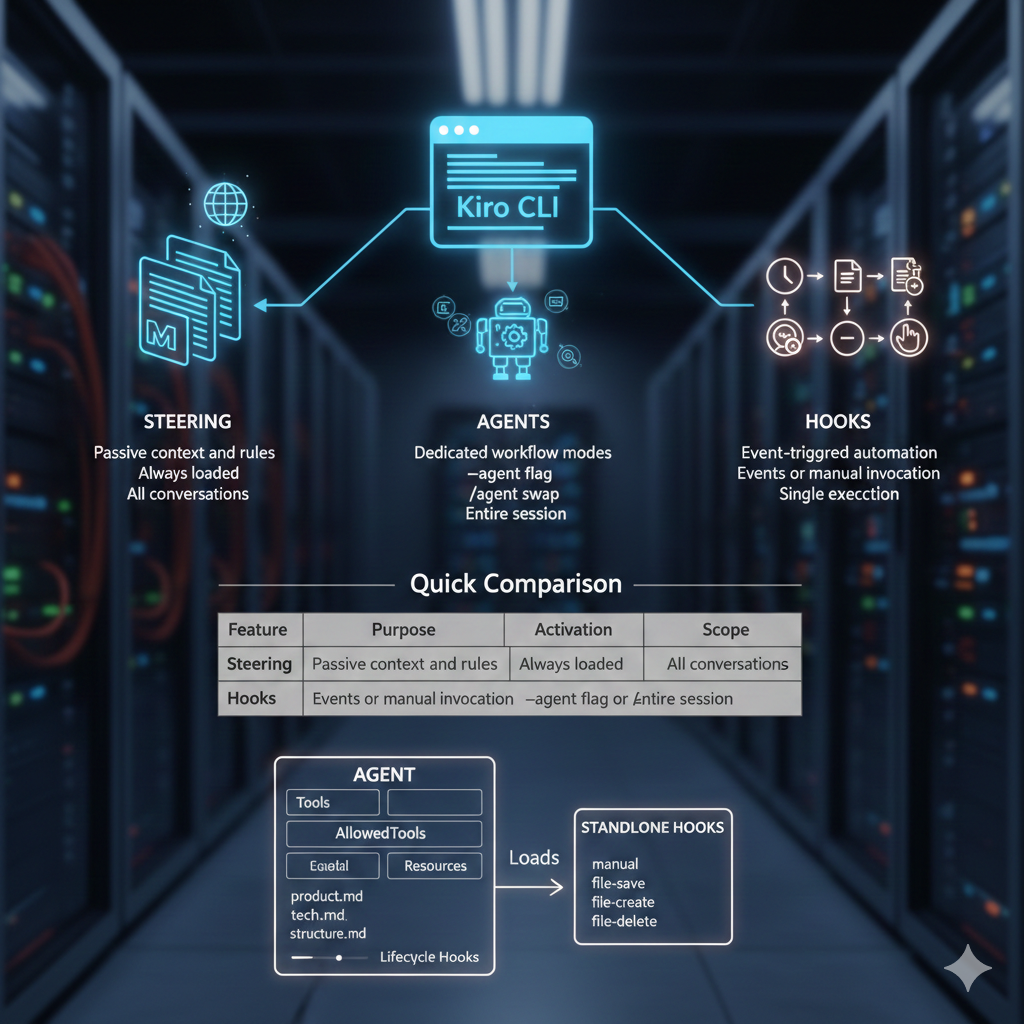
For a broader primer on Kiro’s feature set, see Understanding Kiro CLI Features: Steering, Agents, and Hooks — I originally wanted to automate that post with an agent like this.
If you want the agent builder to go deeper on hooks, tools, MCPs, or Kiro powers, the official CLI docs are the best source of truth: Kiro CLI documentation.
Why I built it
Creating agents should be fast, repeatable, and correct. Instead, it often becomes a scavenger hunt for schema rules, file paths, and which tools are already configured. This agent builder is the fix: it takes the context you already have and spits out a new agent that is valid, consistent, and ready to run.
What the agent builder does well
- Defaults to your current setup so you do not have to re-list tools and MCPs.
- Writes to the right path by defaulting to
~/.kiro/agents/. - Enforces schema correctness and refuses to invent fields.
- Handles resources safely with absolute
file://(orskill://) URIs. - Keeps steering optional unless the new agent truly needs it.
What those Kiro pieces mean
This agent builder leans on a few core Kiro concepts. Here is the short, accurate version based on the official docs:
- Hooks run commands at specific agent or tool lifecycle events (agentSpawn, userPromptSubmit, preToolUse, postToolUse, stop) and can even block tool execution. See Kiro CLI hooks.
- Tools are the built-in or MCP-backed capabilities the agent can call. Hook matchers use internal tool names like
fs_read,fs_write, andexecute_bash, and MCP tools are namespaced like@server/tool. See hook tool matching. - MCPs connect Kiro to external servers so agents can use specialized tools and data. They can be configured via
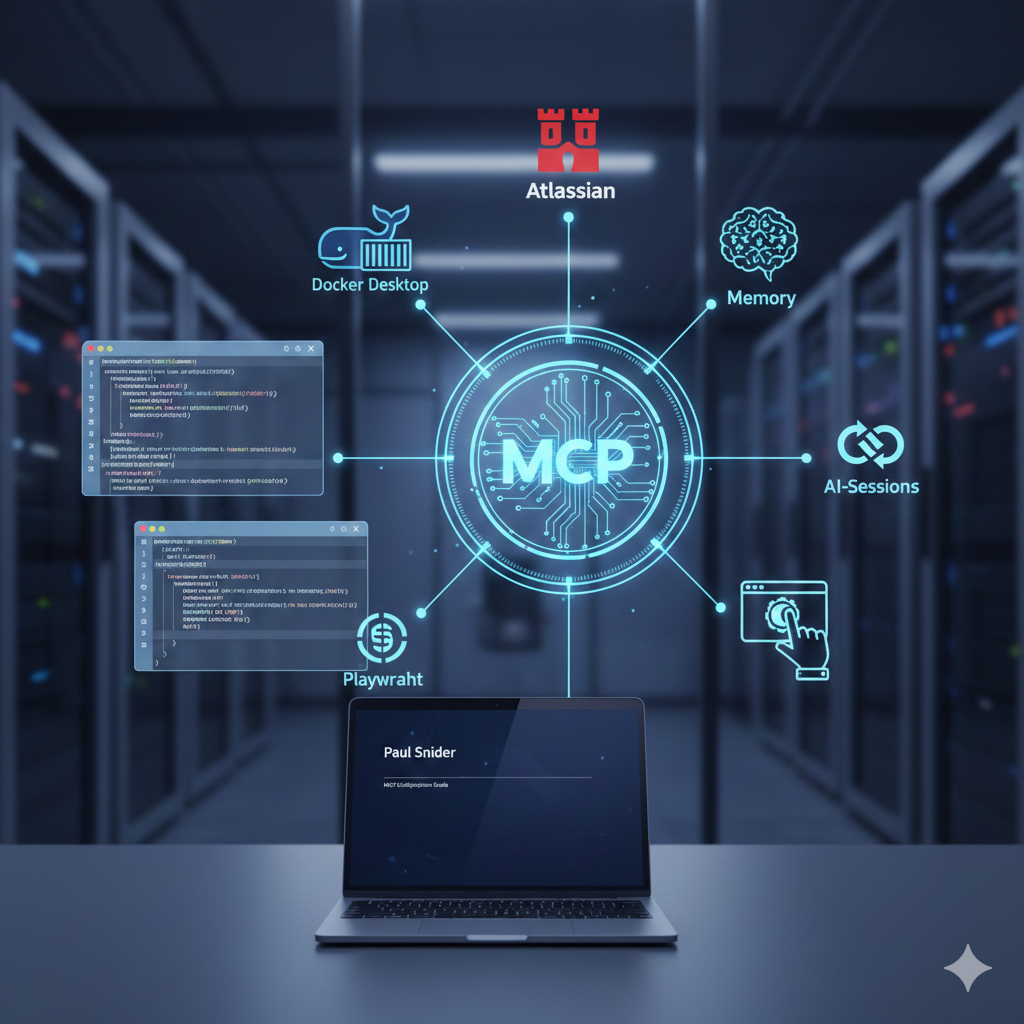
mcp.jsonor per-agent configs. See MCP in Kiro CLI. - Powers are opt-in bundles (POWER.md + optional MCP + steering) that load only when relevant keywords appear, keeping context light while adding deep tool knowledge. See Kiro powers.
Quick start
kiro-cli --agent <agent-name>From there, you describe what the new agent should do and the builder handles the file creation, schema details, and placement.
When to use it
I use this agent builder when I need a dedicated agent for a workflow: code review, release prep, troubleshooting, docs cleanup, or anything that benefits from a tighter prompt and scoped tools. It turns one-off prompts into a reusable agent without slowing me down.
The best agent builders disappear. This one does the paperwork and gets out of the way.