
I published a Kiro CLI steering guide because most AI tooling still fails at the basics: it does not know what features are actually available, where configuration lives, or what integrations have silently expired.
The recurring problem
AI assistants routinely hallucinate their own capabilities. They give confident answers about features they cannot access, and they stumble over simple things like where config files live or how a tool is authenticated. It wastes time and breaks trust.
The situation is worse with integrations. You set up MCP servers or CLI auth once, then weeks later a token expires or a key rotates and the tool forgets it ever existed. The assistant acts like nothing changed, and you only discover it after it fails.
What the steering file should say
Steering works best when it is explicit and concrete. The assistant needs a short, durable checklist of what it can do and where it should look.
Capabilities you should list:
- Which tools are installed and callable (CLI binaries, MCP servers, browser automation)
- What it can read or write in the repo (and any sandbox limits)
- What tasks are allowed (e.g. can it run tests, open PRs, edit config)
- What it cannot do (missing APIs, blocked network access, no cloud credentials)
Integrations you should document:
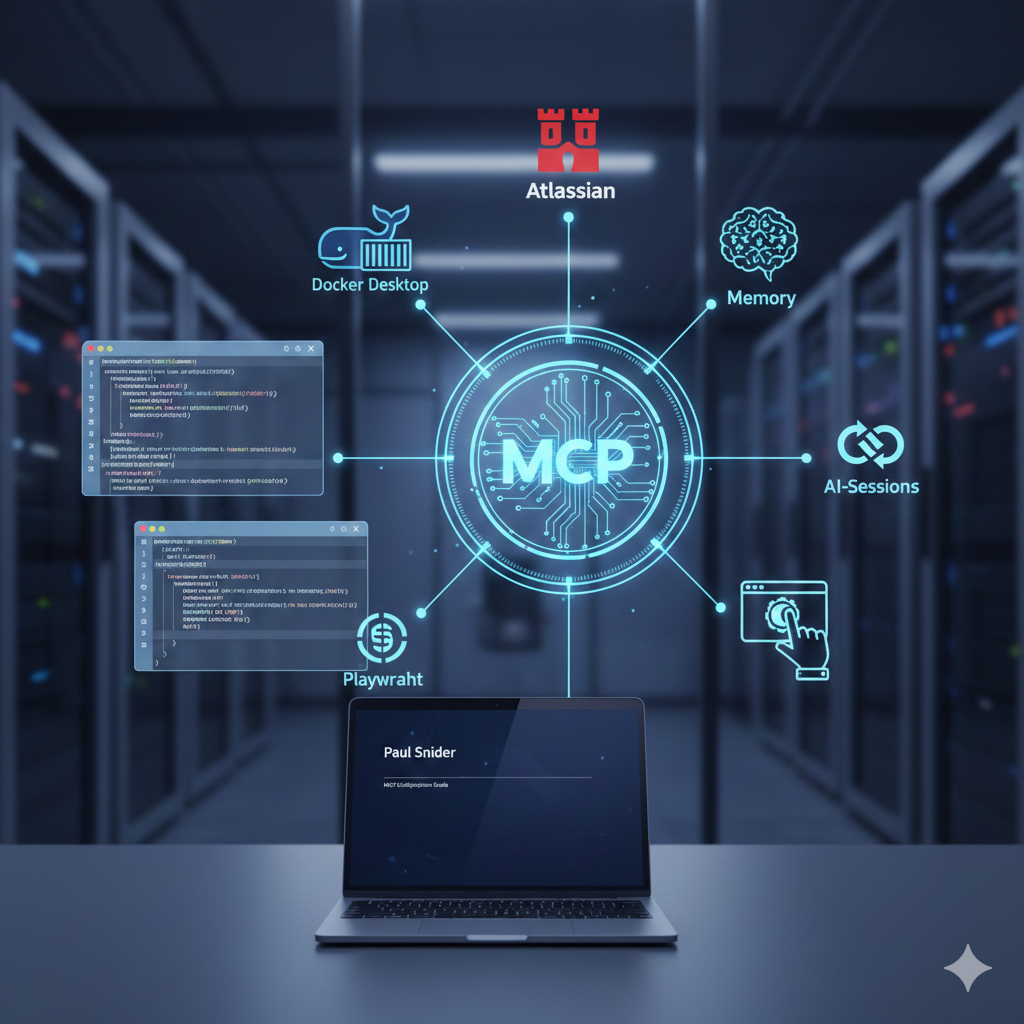
- MCP servers and their purpose (GitHub, Jira, Confluence, Docker, Memory)
- CLI auth state (GitHub CLI, AWS, gcloud, Azure, etc.)
- Token expiration or refresh steps that commonly break
- Where secrets are stored or injected (env vars, keychain, config files)
Config locations to make explicit:
- Global config paths (home directory, tool config folders)
- Project-local config paths (repo root, workspace folders)
- Any files that should never be edited
Why steering matters
Steering is a practical way to keep the assistant grounded in reality. You explicitly describe what it can do, where configuration is stored, and how authentication is handled. That context becomes a persistent source of truth.
The outcome
With a steering file in place, the assistant stops guessing and starts acting like a tool that understands its environment. It is faster, more reliable, and less frustrating.
If you are tired of assistants that forget their own setup, this is the fix I have been looking for.