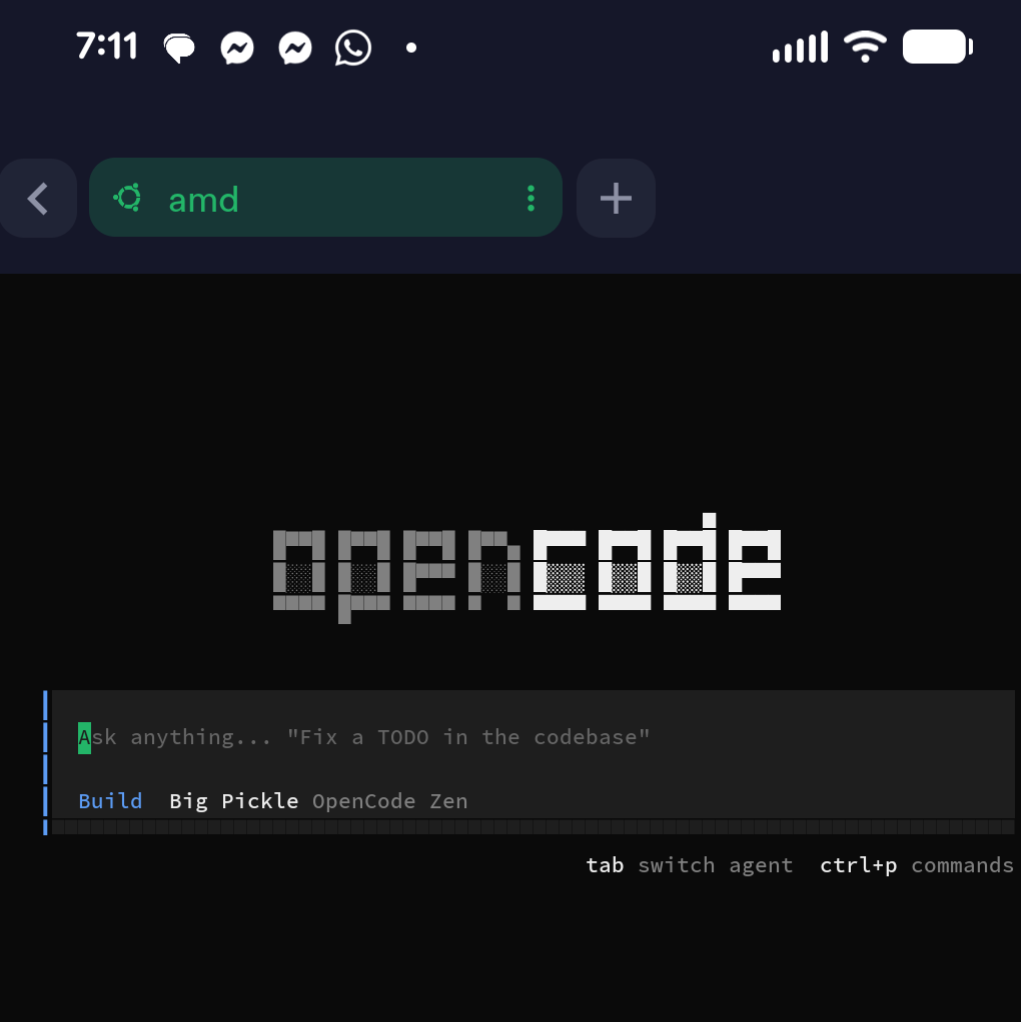
This post started as a request spoken through Alexa: look at my website project and write about how we connected Alexa and Codex, keeping the implementation details out of the public story. That is a pretty good example of why I wanted to connect them in the first place.
I wanted to be able to hand off an idea when it occurred to me. A question about a project. A documentation change. Something worth investigating. Say what I want done, let Codex work on it, and come back for the result.
Making It Easier to Start
I have written before about prompting AI tools from my phone. Voice takes that convenience another step. There are moments when opening a laptop or typing out a request is enough friction to turn a useful thought into something I will try to remember later.
Codex is OpenAI's coding agent, with the ability to help write, review, and debug code. In my setup, it can work with the projects and tools I already use. Connecting that working environment to a spoken request makes it easier to start a task without first sitting down at a screen.
We built a custom connection for my own use. The idea is straightforward: Alexa handles the spoken interaction, the request reaches Codex with the relevant project context, and the outcome is saved so I can hear what happened later.
The Experience We Built
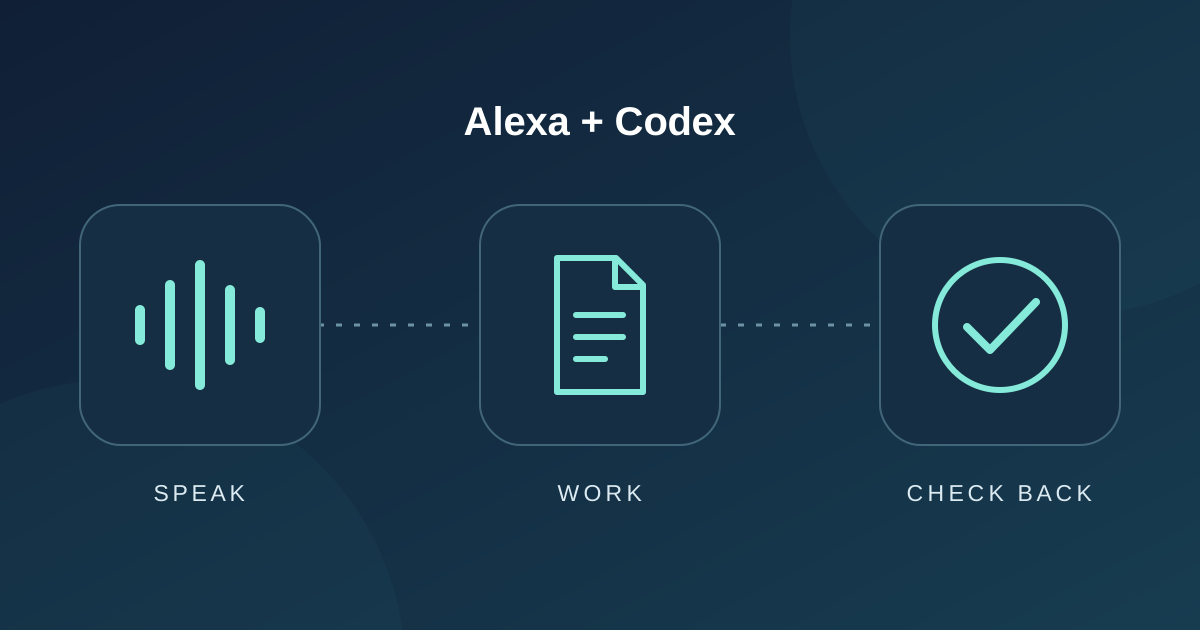
The interaction has three parts:
- Give the request. Open the conversation and describe the work in ordinary language.
- Let it run. Hear that the request was handed off, then carry on while Codex works.
- Check back. Ask for the result and hear a short account of what happened, or whether the work is still underway.
The project has already handled questions about recent changes to my website and retrieved answers for spoken playback. This article adds another useful example: a request to inspect an existing project and turn that context into a piece of writing.
That makes the result more useful than an answer based only on what I managed to say aloud. The spoken request supplies the intent; the project supplies the detail needed to do the work.
The Return Trip Matters
A quick acknowledgment is easy to mistake for success. Hearing that a request was sent tells me very little about whether the work finished, what changed, or whether something got in the way.
One of the most useful lessons from this project was to make those distinctions explicit. Accepted, still working, completed, and failed need different responses. If the work stops at a blocker, the spoken result should say so. A pleasant voice is only useful if it accurately describes the outcome.
We settled on an ask-now, check-later rhythm. The conversation can end while the work continues, and I ask for the saved result when I am ready. That fits tasks that take longer than a quick voice exchange. It also means I can choose when to hear the answer.
What Everyday Use Taught Us
Preserving intent takes care. People speak differently than they type. Project names can be transcribed phonetically, and a missing action word can change the meaning of a request. The connection needs to preserve what I asked for and use context carefully.
A spoken result needs editing. The useful answer is usually a couple of clear sentences about the outcome. I can inspect the detailed work on a screen when I need to. Reading a long technical transcript aloud would make checking back a chore.
Real device use reveals different problems. A successful automated check does not prove that the phrase I actually say will reach the right place or that I will hear the answer. Using the physical speaker helped expose gaps between a working task and a working experience.
Follow-ups need the right context. Asking to hear an answer again, asking for more detail about it, and starting a new task are different requests. We have added and tested support for those distinctions, with more physical voice testing still to do on the newer conversation features.
Where I Want This to Go
I see voice as a convenient way to start work and hear a concise result. A screen remains valuable for reviewing a change, reading a longer explanation, or making a decision that needs more context. Choosing the right moment for each interface is part of making the whole experience useful.
This is still a personal project, and I am continuing to refine it. But the practical value is already clear to me: I can turn a passing thought into a concrete request while it is fresh. This time, that request became the post you are reading.