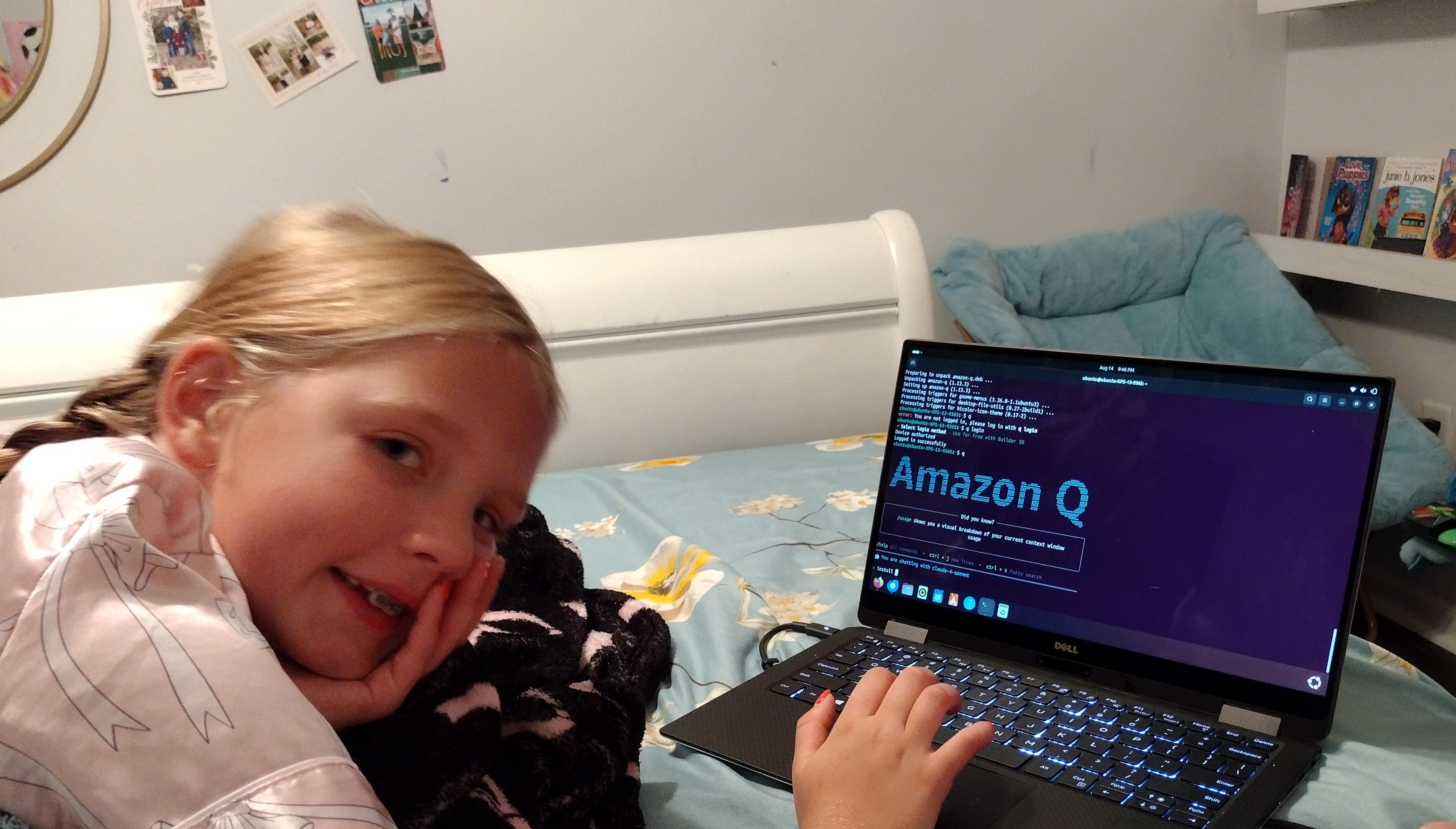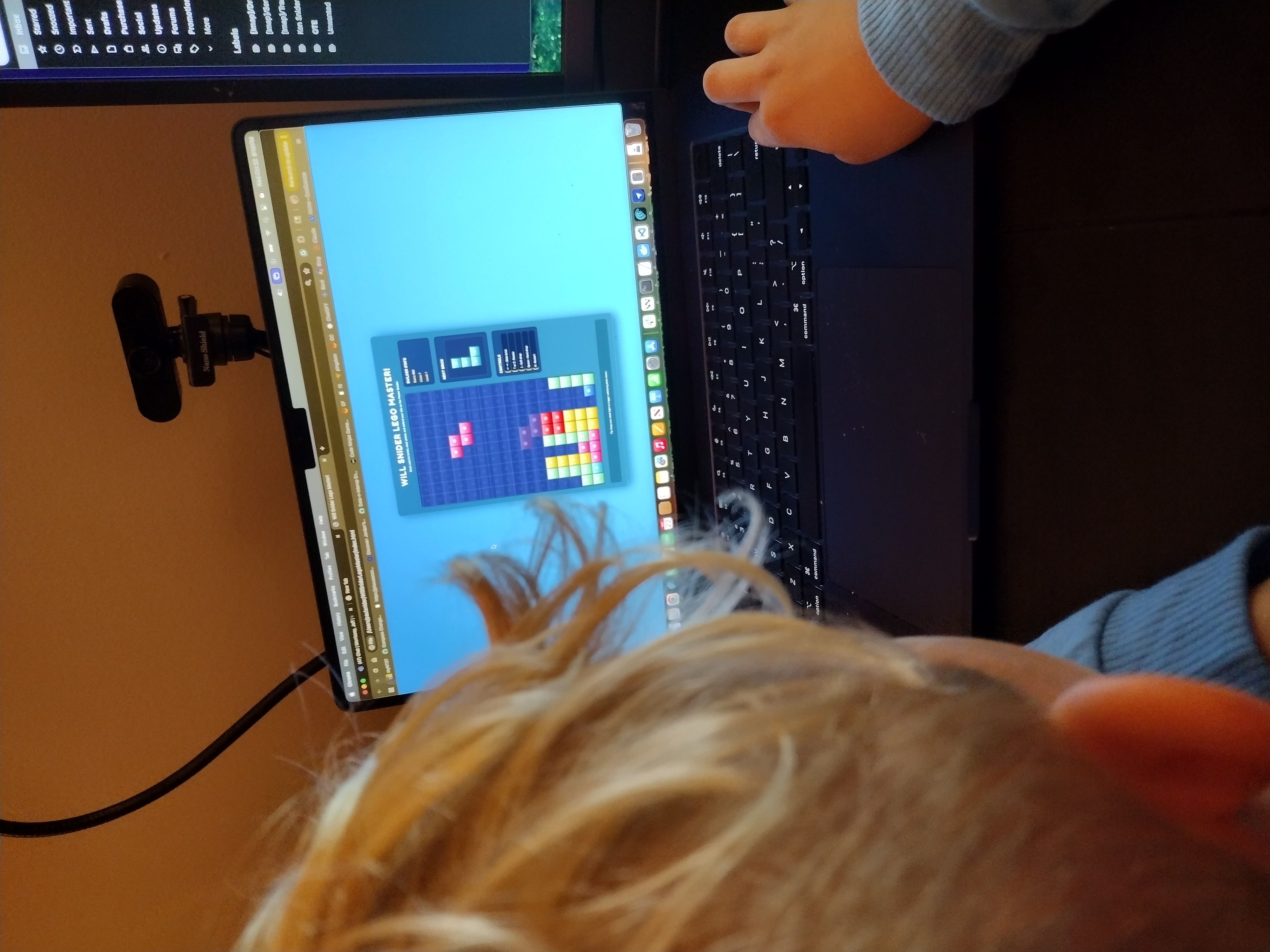

Saturday night. Movie playing in the background. Madison and I with our laptops open. A few hours later, the Wildcats had their team website.
The Setup
Madison's 4th grade basketball team needed a website. We'd already built the Junior Current soccer site together, so we knew the drill. Same pattern: home page, roster, schedule, game reports.
The beauty of having done it once before? We knew exactly what we were building. No lengthy planning. Just open Claude Code and start.
The Build
We reused the structure from the soccer site—simple HTML, CSS, and JavaScript. Changed the colors, swapped the team logo, updated the roster with the basketball players.
Madison handled the player bios while I set up the schedule integration. The movie played on. We'd occasionally look up, make a comment about the plot, then get back to coding.
What We Built
- Home Page: Team logo, welcome message, quick links
- Roster: Player photos and positions
- Schedule: Live game schedule with results
- Match Reports: Game summaries with stats
The Best Part
It wasn't complicated. It wasn't groundbreaking. It was just a Saturday night project with my daughter—the kind where you're half-focused on something else but still getting stuff done together.
By the time the movie ended, the Wildcats had a website. Madison was already thinking about what features we could add next.
Lessons from Round Two
Building the second team website reinforced something important: once you understand the pattern, implementation becomes almost automatic. Madison now sees these projects as achievable. "Dad, we could build that" has become her response to almost any website we visit.
Check out the site at jrkccurrent.com/wildcats-basketball or view the code on GitHub. Simple, functional, and built during a movie on a Saturday night.